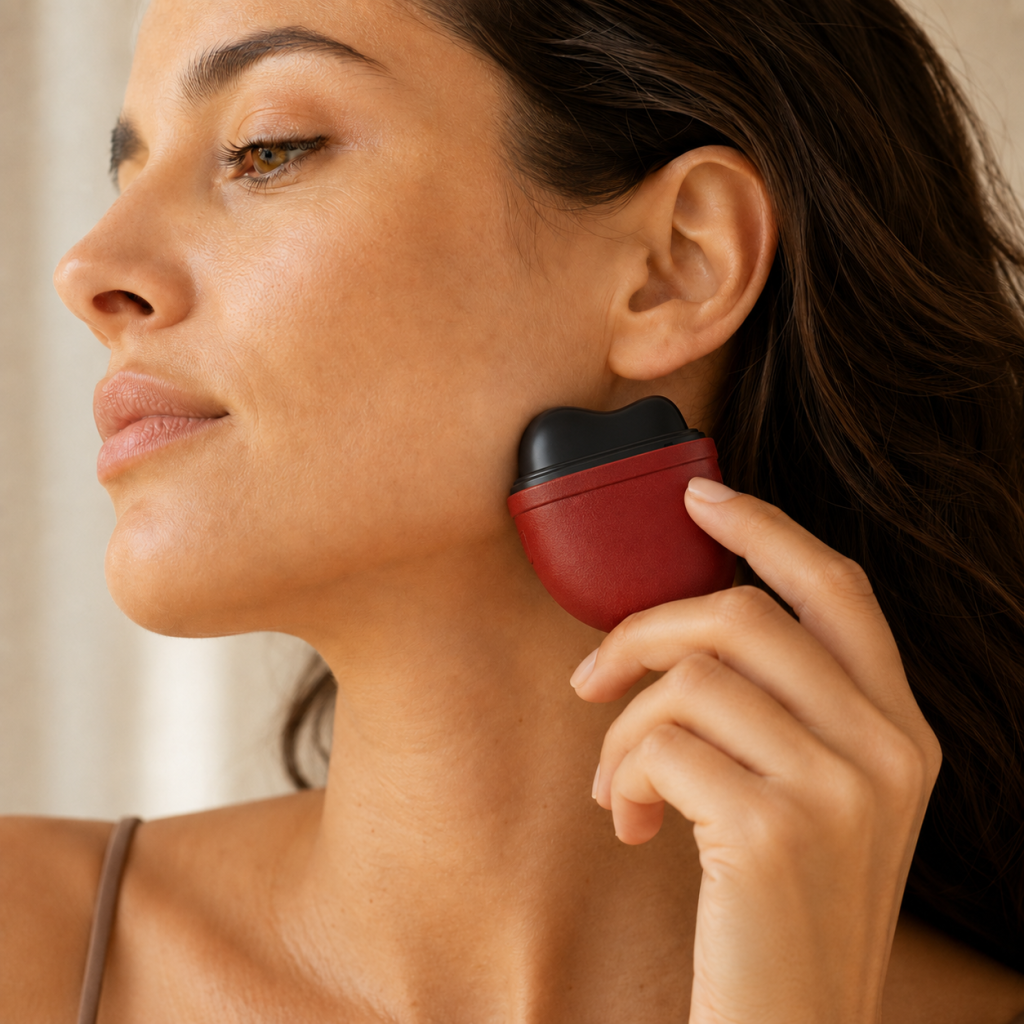
How Our Tools Work:Warmth, pressure, Stillness , and touch — designed for screen-stressed bodies.
Resoveya tools are designed to help your body shift from work mode to wind-down mode through simple, sensory reset rituals.
New to screen stress? Explore our Screen Stress Guide to understand common signs and simple ways to wind down after screen-heavy days.
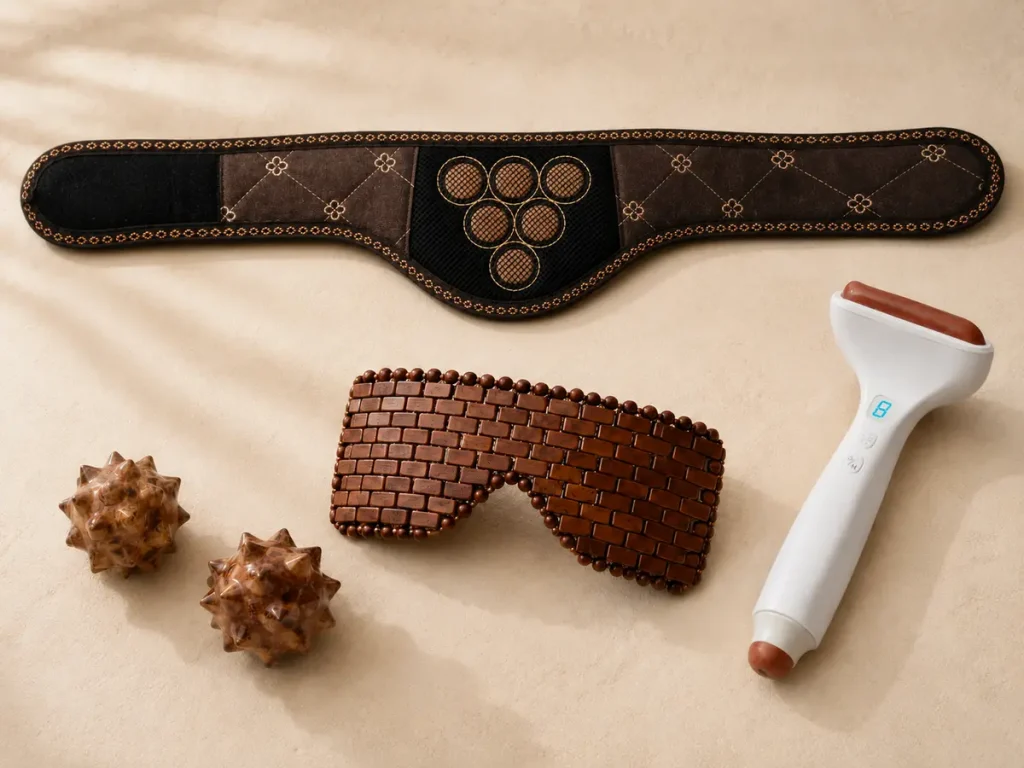
Warmth
Heated Neck & Shoulder Wrap-Gentle warmth creates a comforting reset around the neck and shoulders after screen-heavy days.
Pressure
Palm Pressure Tools-Textured pressure gives busy hands a simple, repeatable sensory cue during short screen breaks.
Stillness
Weighted Eye Mask-Reduced visual input and light, even pressure help create a calmer transition into rest.
Touch
Heated Facial Tool-Warm, intentional touch offers a slow, hands-on reset after screen-heavy periods.
The Resoveya Reset Method
Four sensory cues—warmth, stillness, pressure and touch—show how Resoveya tools support a simple, screen-free reset after screen-heavy days.
How to Choose Your Reset
There is no single right way to reset. Start with the sensory cue that feels most supportive in the moment.
After long periods at a desk
Choose Warmth with the Heated Neck & Shoulder Wrap for a comforting transition away from screen time.
When you want less visual input
Choose Stillness with the Weighted Eye Mask for a quieter transition into rest.
When your hands need something tactile
Choose Pressure with the Palm Pressure Tools for a simple, hands-on sensory break.
When you want a slower ritual
Choose Touch with the Heated Facial Tool for a warm, intentional moment away from the screen.
Resoveya Tools at a Glance
| Sensory cue | Tool | When to choose it |
|---|---|---|
| Warmth | Heated Neck & Shoulder Reset Wrap | A comforting transition after long periods at a desk |
| Stillness | Weighted Eye Wind-Down Pillow | When you want less visual input before rest |
| Pressure | Palm Pressure Tools | When your hands need a simple tactile break |
| Touch | Heated Bian Stone Facial Tool | When you want a slower, hands-on wind-down ritual |
From work mode to wind-down mode
A simple sequence you can repeat after screen-heavy days.
1. Warm
Place the heated wrap around your neck and shoulders, following the product instructions.
2. Rest
Use the weighted eye pillow to reduce visual input and create a quieter pause.
3. Anchor
Hold or gently roll the palm pressure tools for a simple tactile cue.
4. Soften
Finish with slow, intentional touch using the heated facial tool.
Sensory Traditions,
Designed for Modern Life
Resoveya brings together warmth, stillness, pressure and touch in straightforward tools for everyday, non-medical wellbeing routines—created for modern screen-heavy days.
What we do not claim
Resoveya tools are intended for everyday, non-medical wellbeing routines. They are not intended to diagnose, treat, cure or prevent any medical condition. For complete use and safety guidance, visit Product Care & Safety.
Explore the rituals
FAQ
Are Resoveya tools medical devices?
No. Resoveya tools are designed for everyday, non-medical wellbeing routines. They are not intended to diagnose, treat, cure or prevent any medical condition.
What does “screen-stressed body” mean?
“Screen-stressed body” is Resoveya’s non-medical term for the everyday physical and sensory strain some people notice after screen-heavy days—such as tired eyes, tight shoulders, jaw clenching, restless hands or difficulty shifting into rest mode.
Why does Resoveya use warmth, stillness, pressure and touch?
These sensory cues make a screen-free pause easier to notice and repeat. Each Resoveya tool offers a different kind of cue, allowing you to choose what feels most supportive in the moment.
Which tool should I start with?
Start with the sensory cue that fits how you want to reset: warmth for a comforting transition after desk time, stillness when you want less visual input, pressure when your hands need something tactile, or touch for a slower wind-down ritual.
Do I need to use every Resoveya tool?
No. Each tool can be used as a standalone part of a personal wellbeing routine. Start with one sensory cue and build a longer ritual only if it suits you.
How long should a reset ritual take?
There is no required length. You might choose a short screen-free pause or create a longer wind-down routine. Always follow the recommended use time and instructions provided with each product.